
Development Experience
With over 4 years of development experience, we focus on quality, stability, and long-term reliability in every project.
Quality First
 ESX
ESX
 QBCore
 QBox
QBox
 VRP
VRP
 Standalone






 +50
+50
Ask us anything before you buy. Real answers from the people who built it, usually within a couple of hours.
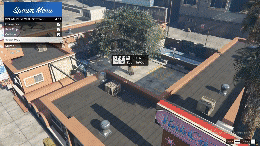
Written Expression
After a player with the allowed permission uses the /mapper command
The menu will open at the top left of the screen as seen in the video. Go to menu via Config
You can add as many categories as you want, and as many objects as you want within the categories, and also
You can directly create objects that you have not already added to the menu with the "Spawn By Name" option.
After you select the object, a preview will appear. Position, Rotation, Freeze status
After setting the Collision status and DATABASE status, you can create the object with the Spawn button.
you can create. The resulting object is perfectly synchronized. After activating Edit Mode
the object you have placed, that has been placed by someone else, or that is ALREADY AVAILABLE ON THE MAP.
You can reposition it, adjust its rotation, and re-adjust the freeze, collision and database features.
Features
| yes | All Frameworks |
| yes | Configurable |
| yes | Optimized |
| yes | Lifetime Support |
Premium resources, real support, and an experience you can trust.
With over 4 years of development experience, we focus on quality, stability, and long-term reliability in every project.
Quality FirstWe provide fast and reliable 24/7 support. Our team is always ready to help with installation, troubleshooting, and pre-sale questions.
High PerformanceAll our scripts are carefully optimized for maximum performance. Clean code, low resource usage, and smooth integration guaranteed.
Fast & ReliableReal customers, real servers. The latest orders from the Pixel Studio community.





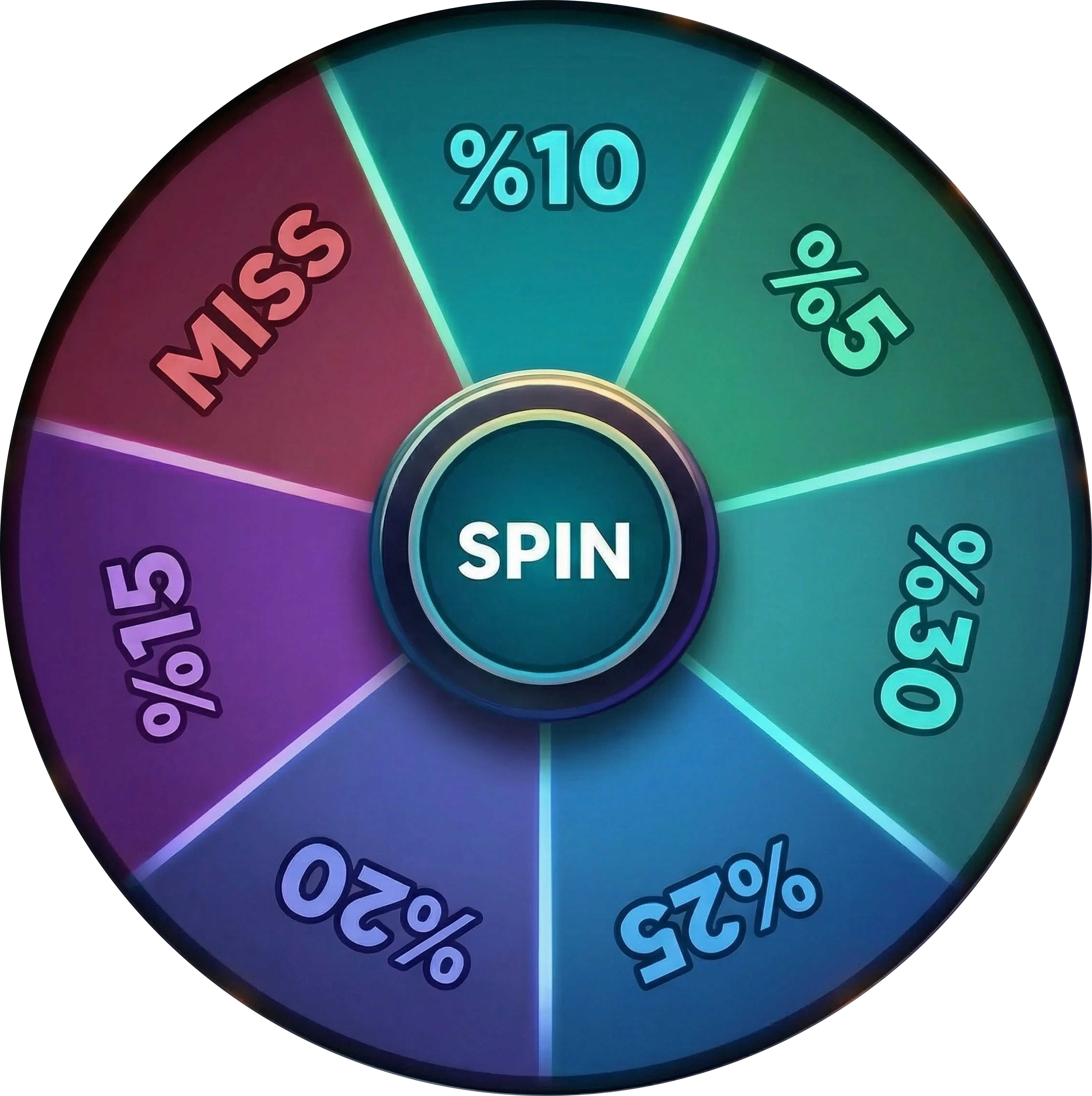
Guaranteed Discount!


 Pixel Studio